
Download DBGL: DOSBox Game Launcher – Retro Gaming, DOSBox Management, Game Launcher, Cross-Platform
Overview
DBGL: DOSBox Game Launcher is a specialized mobile application designed to streamline the management and launching of retro DOS games through the DOSBox emulator. The app serves as a centralized interface for users who maintain libraries of classic DOS titles, offering a structured way to organize, configure, and launch games without navigating complex emulator settings manually. It addresses the common pain points of managing multiple game configurations, inconsistent settings, and time-consuming setup processes by providing a clean, intuitive environment tailored for retro gaming enthusiasts.
Target users include both casual players seeking a hassle-free way to revisit nostalgic titles and dedicated collectors who manage extensive game archives. The app is particularly beneficial for individuals using DOSBox across different platforms, as it supports Windows, Mac, and Linux systems—though the mobile version’s compatibility with these platforms is not explicitly detailed. Real-world use cases include organizing a personal game library, automating configuration for frequently played titles, and ensuring consistent launch settings across different devices. In the broader app ecosystem, DBGL fills a niche for retro gaming tools by bridging the gap between emulator functionality and user experience, offering a practical utility for preserving and enjoying legacy software.
Key Features & Functionality
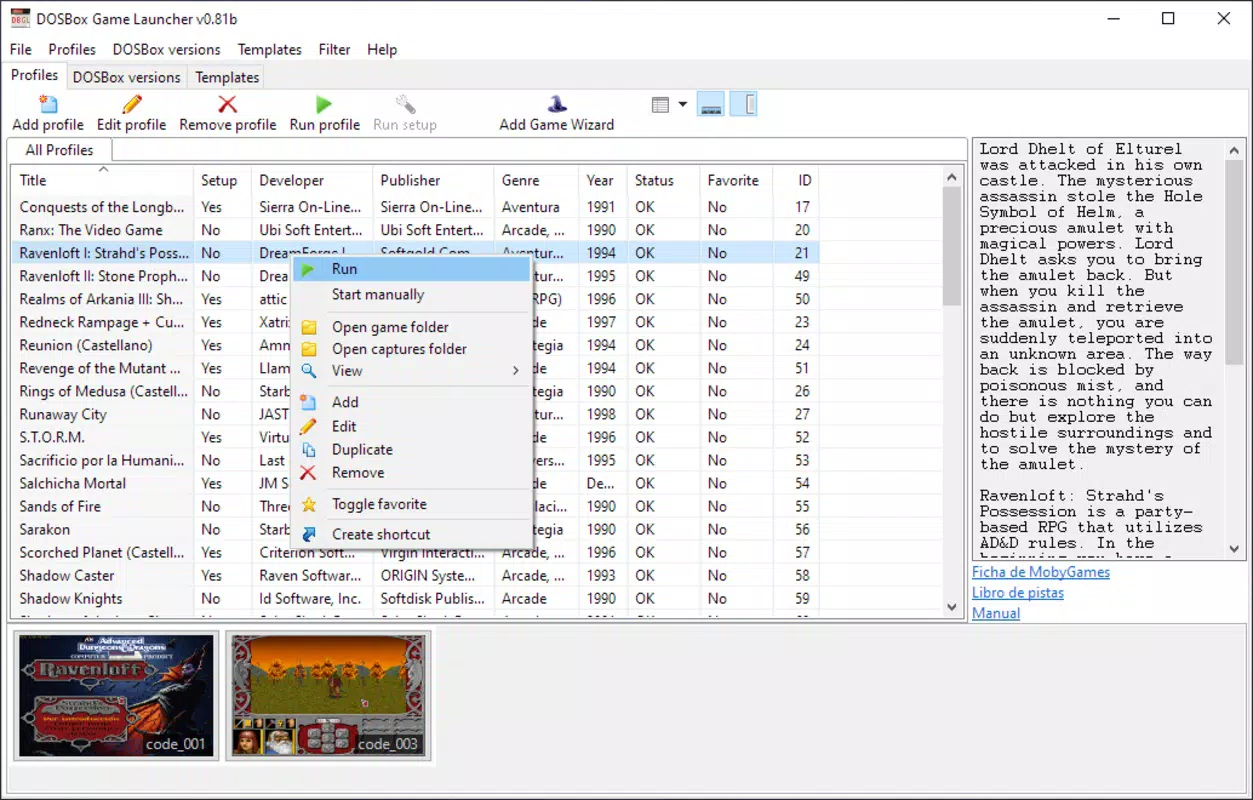
- Easy Game Management: The app provides a user-friendly interface to view, sort, and organize a library of DOSBox games. Users can browse titles through visual thumbnails, enabling quick identification and access to favorite retro games without navigating file directories.
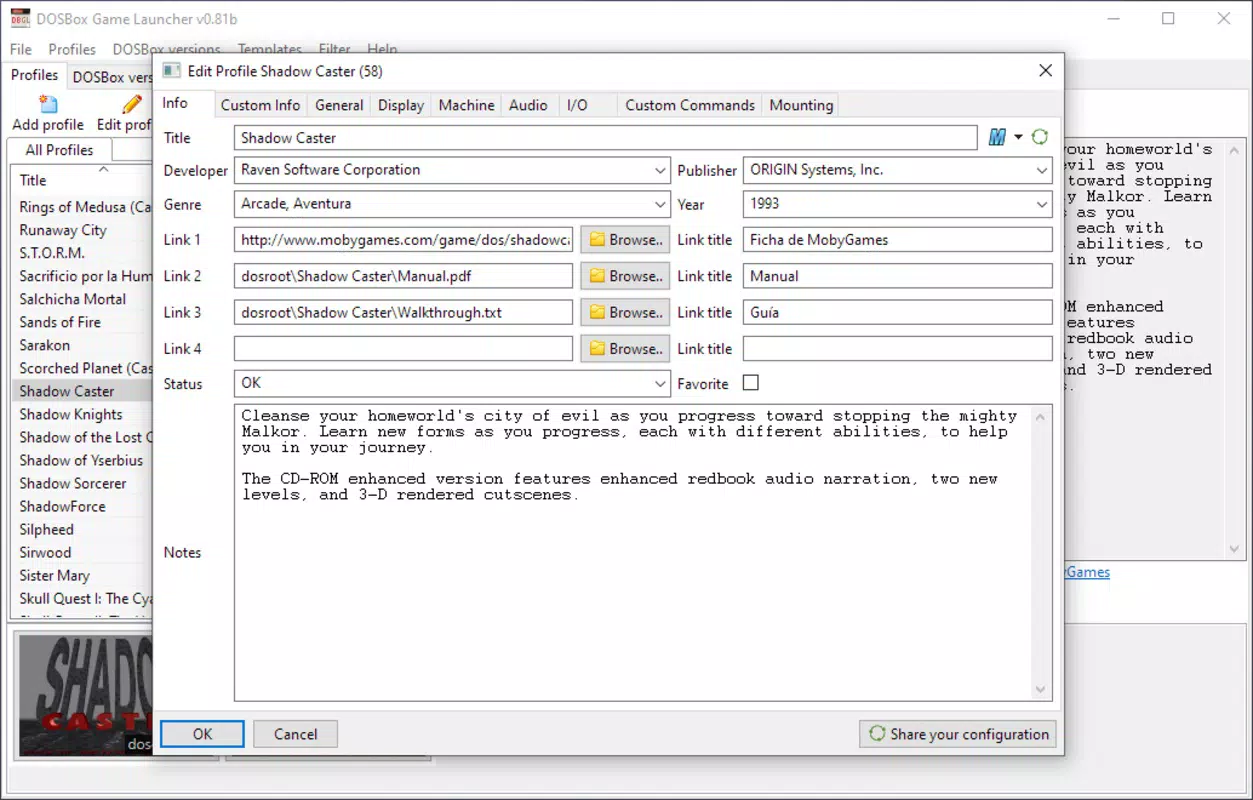
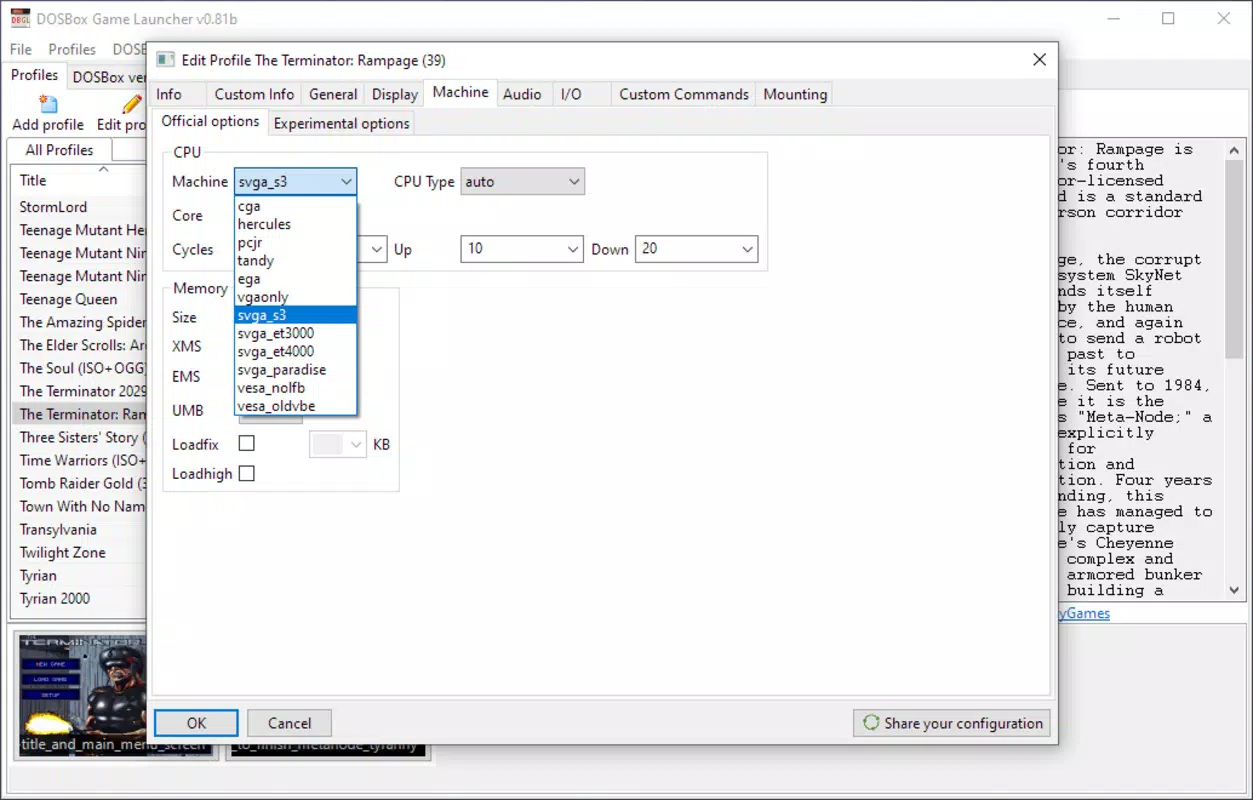
- Flexible Configuration Options: DBGL allows users to set game-specific parameters either by pulling metadata from online sources or by manually entering details. This dual approach ensures accurate setup for games with unique requirements, such as specific CPU cycles, sound settings, or drive mappings.
- Cross-Platform Compatibility: Designed to work seamlessly across Windows, Mac, and Linux, the application ensures consistent functionality regardless of the underlying operating system, making it ideal for users who switch between platforms.
- Quick Game Launching: A single double-click on a game’s thumbnail initiates the launch process, bypassing the need to open DOSBox and navigate through command-line inputs. This significantly reduces startup time and enhances the overall gaming experience.
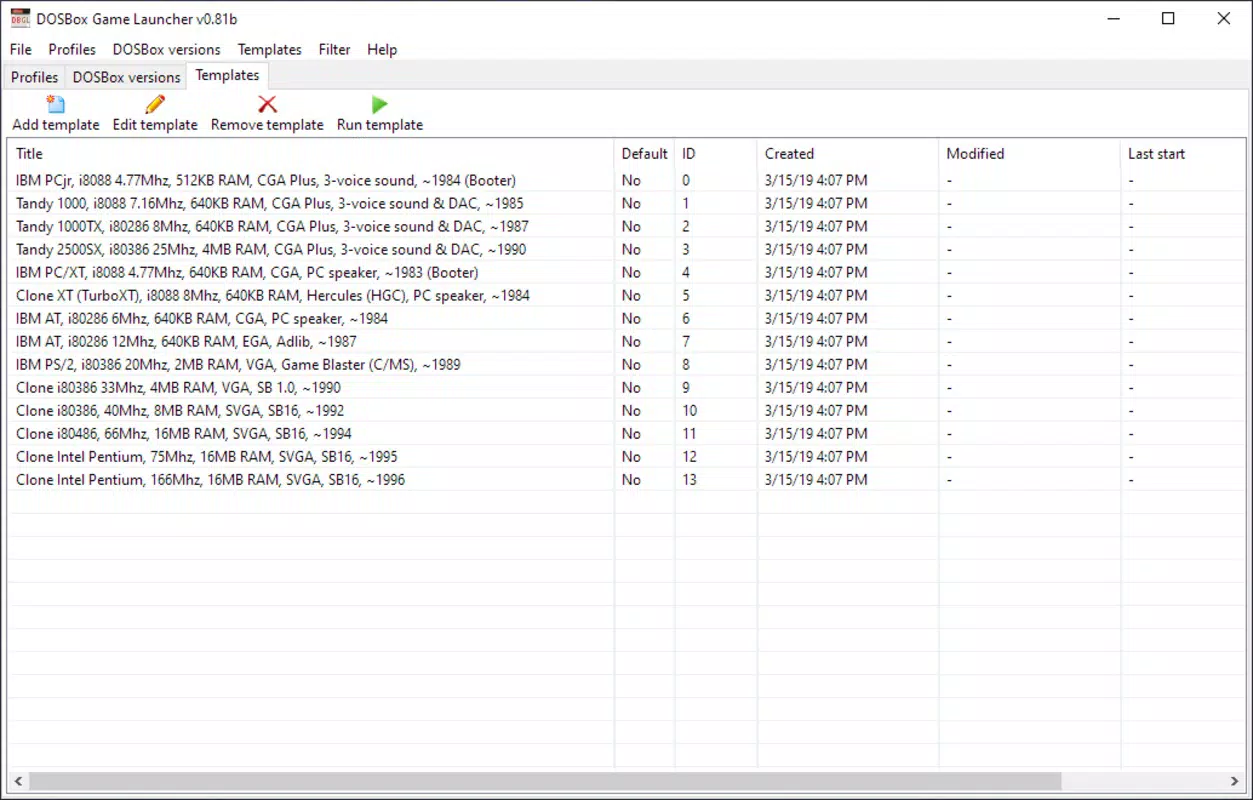
- Comprehensive DOSBox Support: The app supports multiple versions of DOSBox, allowing users to maintain compatibility with various emulator builds. This adaptability ensures that even games requiring specific DOSBox features or patches can be launched without issues.
For example, a user managing a collection of 1990s strategy games can use DBGL to assign custom configurations to each title, ensuring optimal performance. The ability to auto-fill settings based on game titles streamlines the process, especially for large libraries.
Interface, UX & Performance
The user interface of DBGL: DOSBox Game Launcher is designed with simplicity and functionality in mind. It employs a clean layout centered around visual thumbnails, enabling users to quickly identify and select games. Navigation is intuitive, with a consistent structure that minimizes the learning curve, even for users unfamiliar with retro emulation workflows.
Visual style emphasizes clarity over ornamentation, using a minimalistic design that avoids distractions. The app maintains responsiveness across different screen sizes and device categories, although specific performance benchmarks were not provided. The developer did not list formal performance metrics, but the app’s design suggests efficient resource usage to support smooth interactions.
Stability appears to be a focus, as the app enables direct game launching without requiring users to manage emulator instances manually. While real-world testing data is not available, the structured approach to configuration and launching implies a reliable execution flow. Users can expect consistent behavior when launching games, assuming the underlying DOSBox installation is properly configured.
Platform Compatibility & Technical Requirements
DBGL: DOSBox Game Launcher is compatible with major operating systems, including Windows, Mac, and Linux, as stated in the provided information. However, the mobile version’s platform availability, specific OS version requirements, or file size details were not disclosed. The developer did not specify minimum OS requirements or compatibility with mobile operating systems such as Android or iOS.
Although the app is designed for cross-platform use, the exact technical specifications—such as software version, file size, and supported device categories—were not provided. Users should verify compatibility with their system before installation. The developer did not list formal technical prerequisites or update frequency, leaving the exact installation process and system integration undefined.
Pros and Cons
Pros
- Intuitive interface for managing retro DOS games
- Supports multiple DOSBox versions for broad compatibility
- Flexible configuration options via auto-fill or manual input
- Quick launching through visual thumbnails
- Designed for cross-platform use across Windows, Mac, and Linux
Cons
- Platform availability for mobile devices was not specified
- Specific technical requirements were not listed
- Performance metrics and stability data were not disclosed
- Compatibility with Android or iOS was not confirmed
- Update frequency and developer support details were not provided
FAQ
Is DBGL: DOSBox Game Launcher available for Android and iOS?
The developer did not specify whether the app is available for mobile platforms such as Android or iOS.
Can I use DBGL with different versions of DOSBox?
Yes, the app supports multiple versions of DOSBox, ensuring compatibility with various emulator builds.
Does DBGL require an internet connection to function?
The app can operate offline for launching games, but some configuration features may require internet access to fetch metadata.
How do I add a new game to my library?
Users can add games by selecting the game file and either manually entering details or allowing the app to auto-fill information.
Is DBGL free to download and use?
The app’s pricing information was not provided in the available data.
Final Thoughts
DBGL: DOSBox Game Launcher stands out as a practical tool for retro gaming enthusiasts who value organization, speed, and flexibility. By simplifying the management of DOSBox games across multiple platforms, it enhances the overall experience for users who want to relive classic titles without the technical overhead. The app’s clean interface, support for diverse configurations, and quick launch capabilities make it a valuable addition to any retro gaming setup.
While specific technical details such as file size, OS compatibility, and pricing remain undisclosed, the app’s core functionality is clearly designed with user experience in mind. It is especially beneficial for collectors and casual players alike who seek a streamlined way to access their game libraries. For those invested in preserving and enjoying DOS-era games, DBGL offers a reliable, efficient solution.
Download DBGL: DOSBox Game Launcher now


